
Search Cool Stuff
Use the following filter to look for specific items in your store. The Search bar will look for Product titles, Categories, Tags, and Product Brand.
People also looked for
Project Files Stacksapp Studio Color Schemes Foundation 6 Project Files Stacks Total Cms
CUT IT OUT
Stop using your image editor,
use the power of CSS
Style your images in your own custom shape
right within your Project file or in Total CMS
Style your images in your own custom shape

It was never easier to mask your images, right inside your Rapid Weaver or Stacks Project File. No need to export cut-out-images in your Images Editor like Affinity or Illustrator. Just use to power of CSS.
Off course you could use Clip Path, part of the Foundation Swatch Pack. It gives you a bunch of options to mask images. But the basic shapes are a little — let's say — basic and the custom SVG options are somewhat challenging.

CUT IT OUT comes to the rescue. With this project file, you can use your own logo or any other shaped image as a mask. All you need is to add your SVG or PNG to the project, adjust a CSS Swatch and asign a class to your image.
Use the power of Total CMS
Use the power of Total CMS (v1) to change the mask of an image from within the Admin Area. All you need to do is asign a Macro instead of a Class to your image, add the Class to the Select Box and let Total CMS do its magic.
Choose cut-out
Add your SVG with the name 'my-cut-out.svg'. Choose My Cut-out from the Select Box and see what happens.
CUT IT OUT comes with some predefined SVG's, but you can add as many as you want. A Christmas Tree, your company logo or a shape that matches your Brand Identity.
Choose cut-out
What in the 'box'?
CUT IT OUT is a project file for RapidWeaver, build with Foundation 6. There will be a version for Stacks 6, when the official app becomes available.
Total CMS integration is done with TCMS v1. A T3 version will follow.
The project file also contains a version that works in RapidWeaver's built-in themes. This version doesn't require Foundation 6, but you will need the Starter Pack from Weavers Space. (It might even work in Elements by Realmac.)
And the best part: when you know how it works, you can so easily integrate it in your existing projects. No need to redo your whole website. Just copy over the Partials and you're good!
This is Palettes
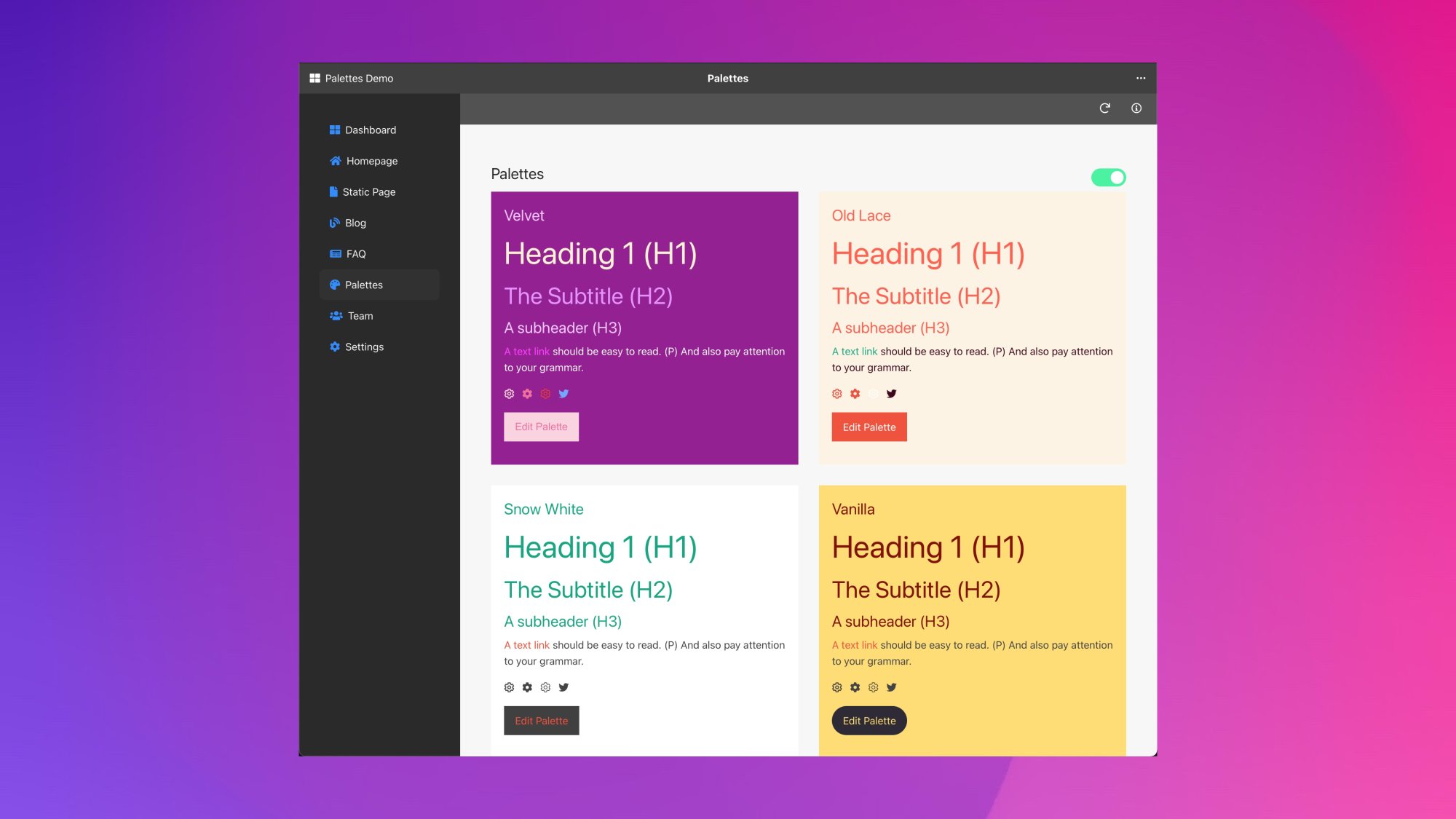
Create Beautiful Palettes
Create color palettes right in your Total CMS Admin.
Palettes is a great way to give your clients control over color schemes on their website. Or use it to create multiple color palettes for your clients without even opening your Stacks-based or RapidWeaver project.

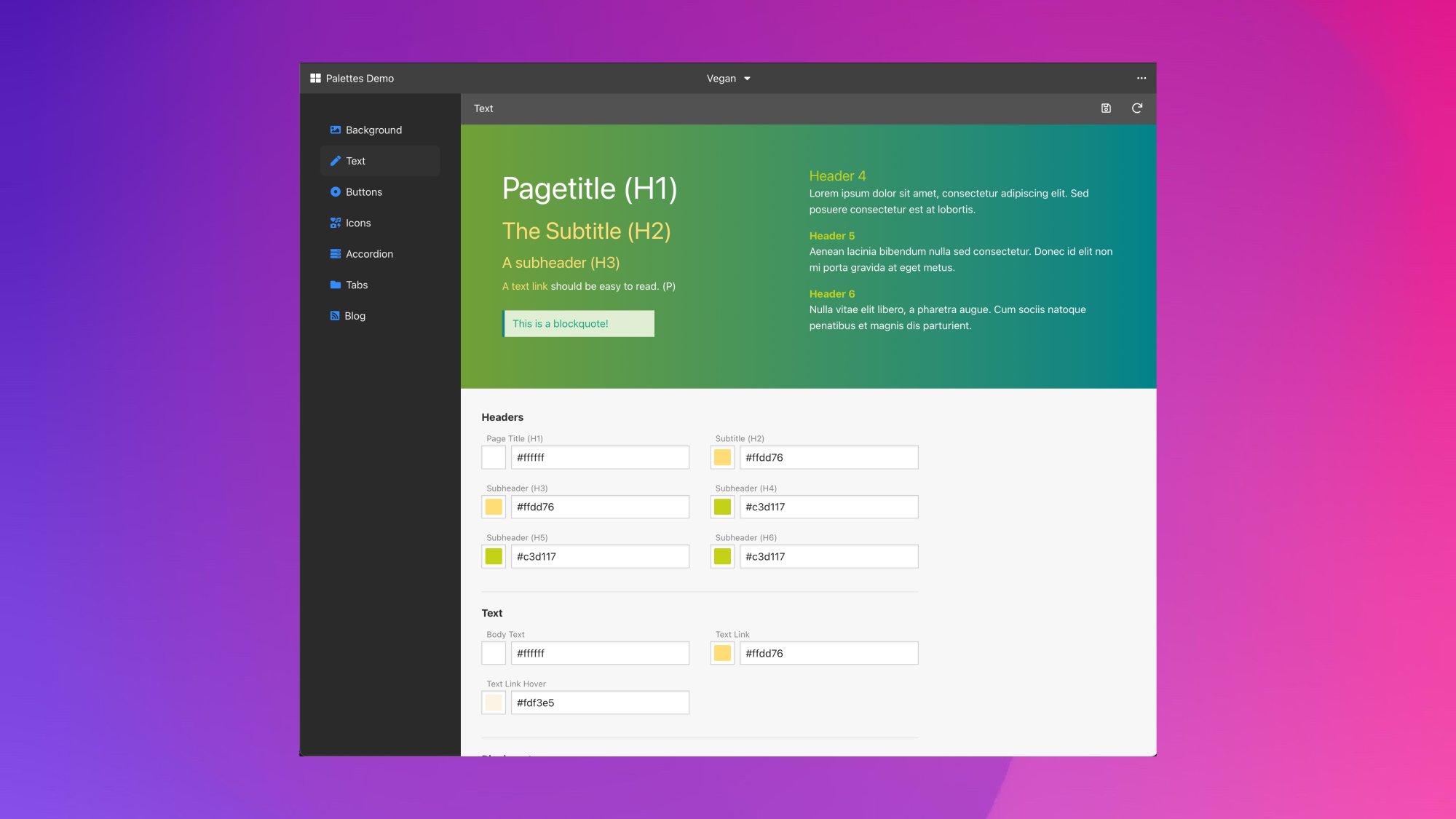
Remote Color Control
Use Palettes to control colors on your website, without going back to your project file. Give pages a different color or apply alternative colors to various sections within a page.
Palettes can be the starting point for your new project. You can also incorporate it into your existing projects and add new color functionality in no time.
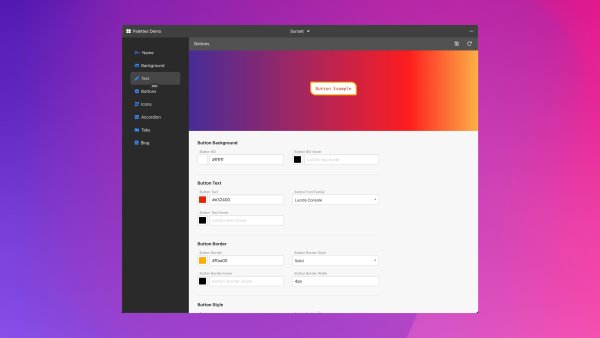
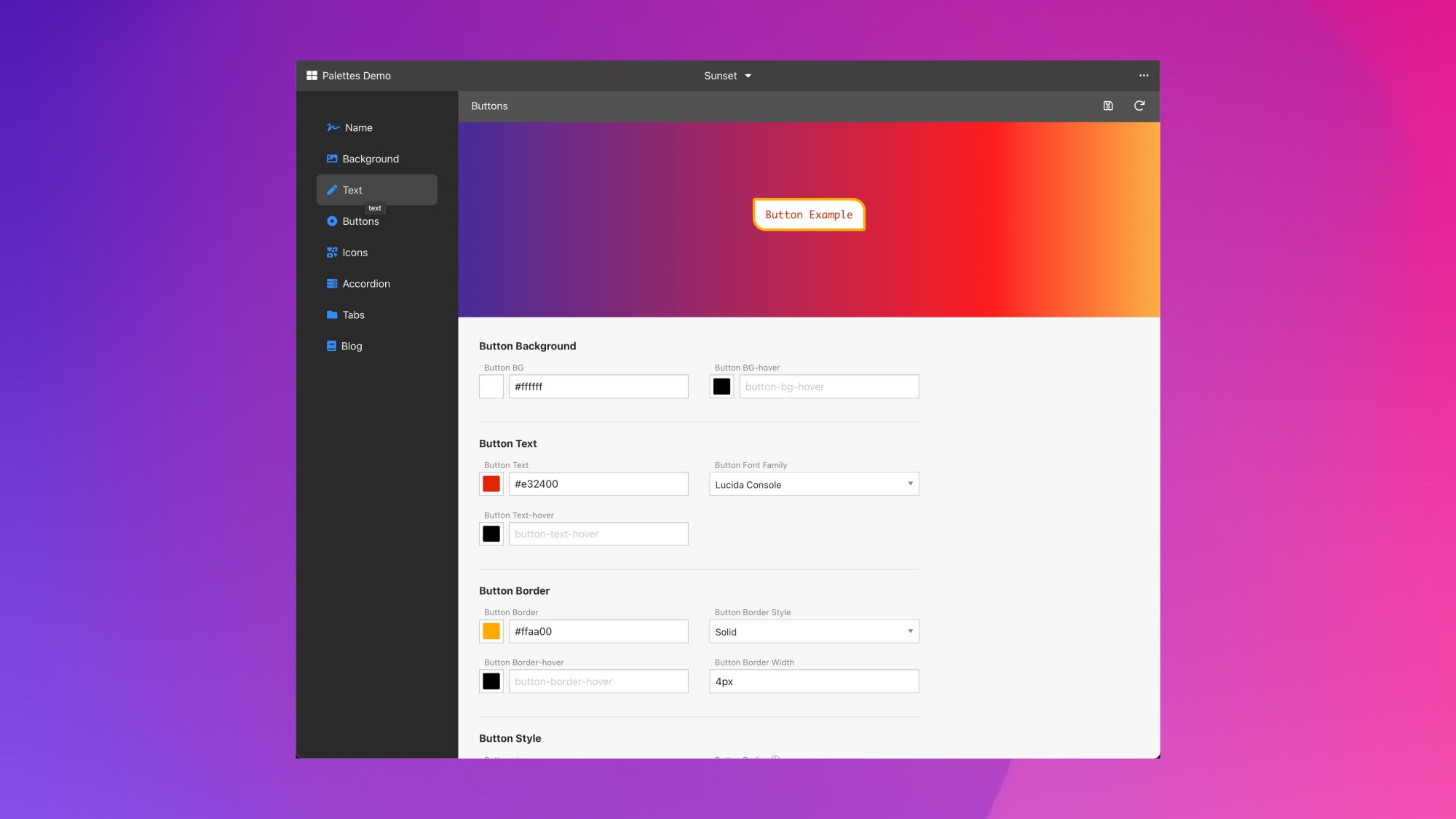
Bright as a Button
Have full control over your site’s backgrounds, font colors, buttons (also shape and sizes!) and components, such as tabs and accordions. Use hex, rgb codes, or common CSS values as ‘blue’, ‘purple’ or ‘tomato’. You can even go wild with gradients or background images. Anything CSS can handle, will go.
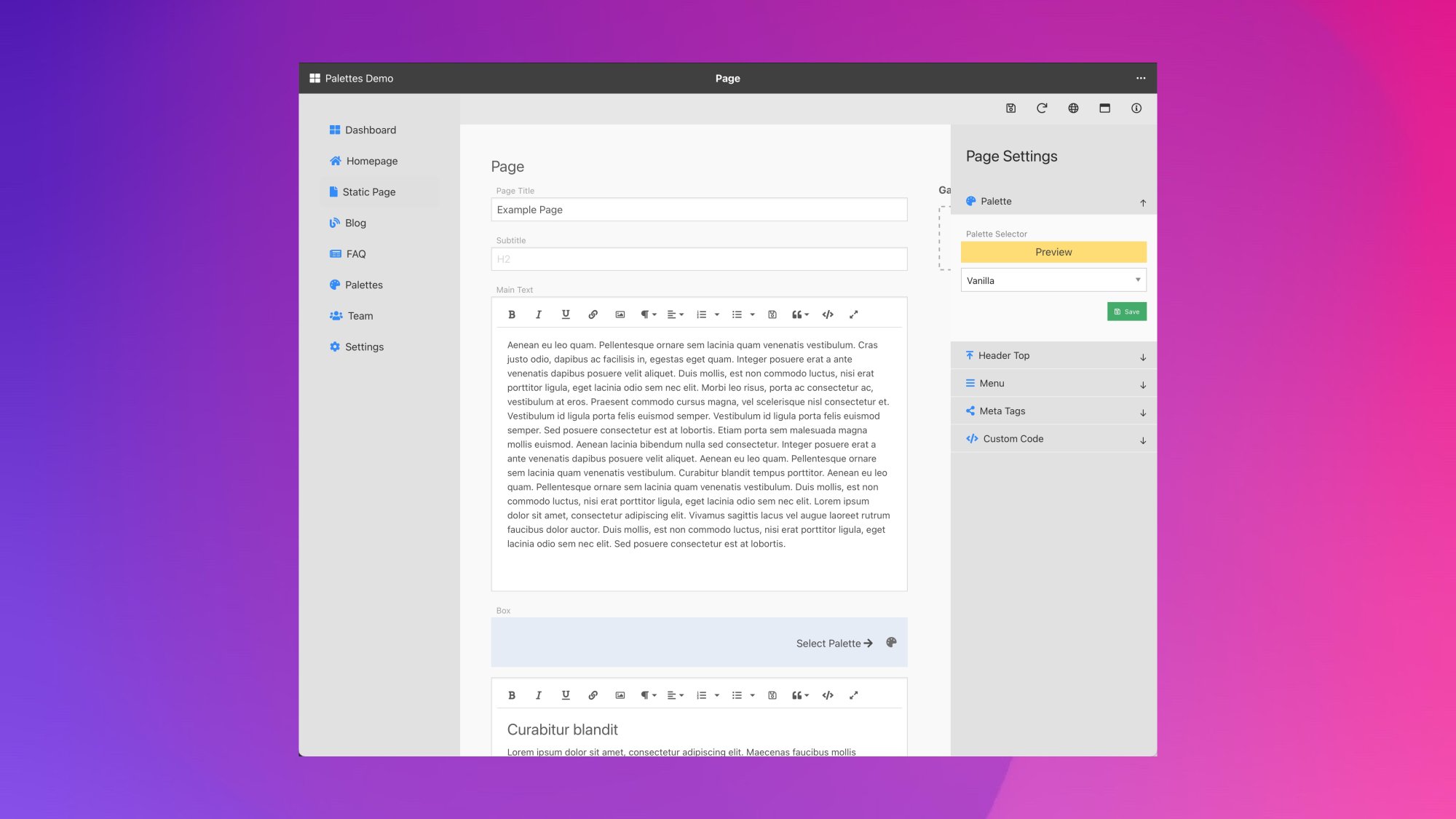
On the Shoulders of Giants
Palettes is built with Total CMS [#] and Foundation 6 [#] by Weaver’s Space. Apart from Page Safe [#] to lock down your Admin, no extra stacks are needed. It works with RapidWeaver [#] by Realmac and Stacks [#] by Yourhead.
[#] Stacks and licenses are not included.
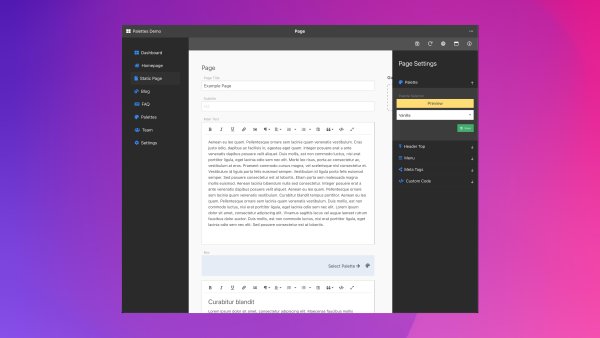
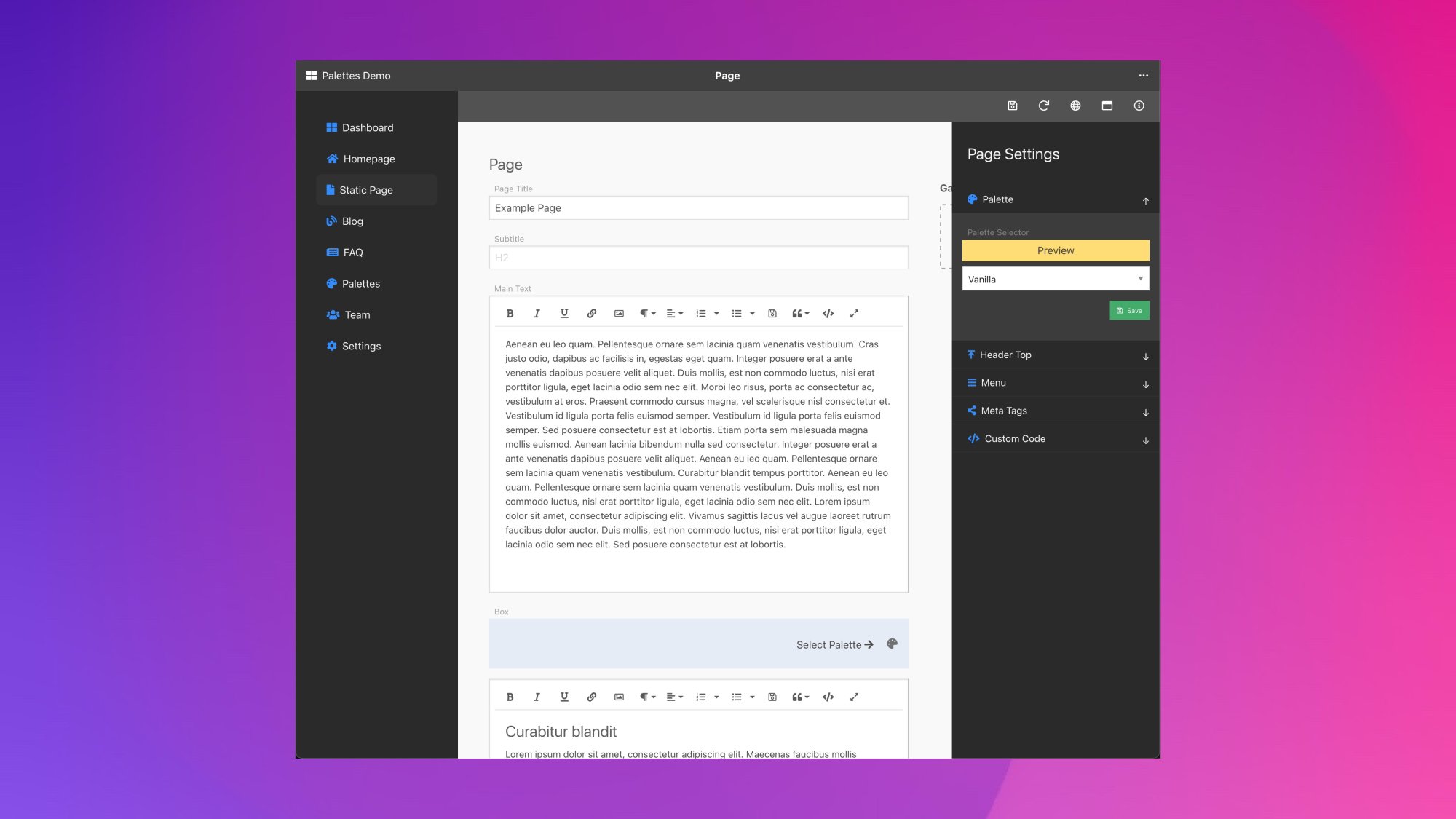
RapidWeaver-like Web Interface
Palettes is a thought-through extra for any RapidWeaver or Stacks Based website. The project has a well designed, RapidWeaver-like interface Admin and some great example front-end pages that wil help you get started building your website. And yes, it also works with Total CMS Blog.

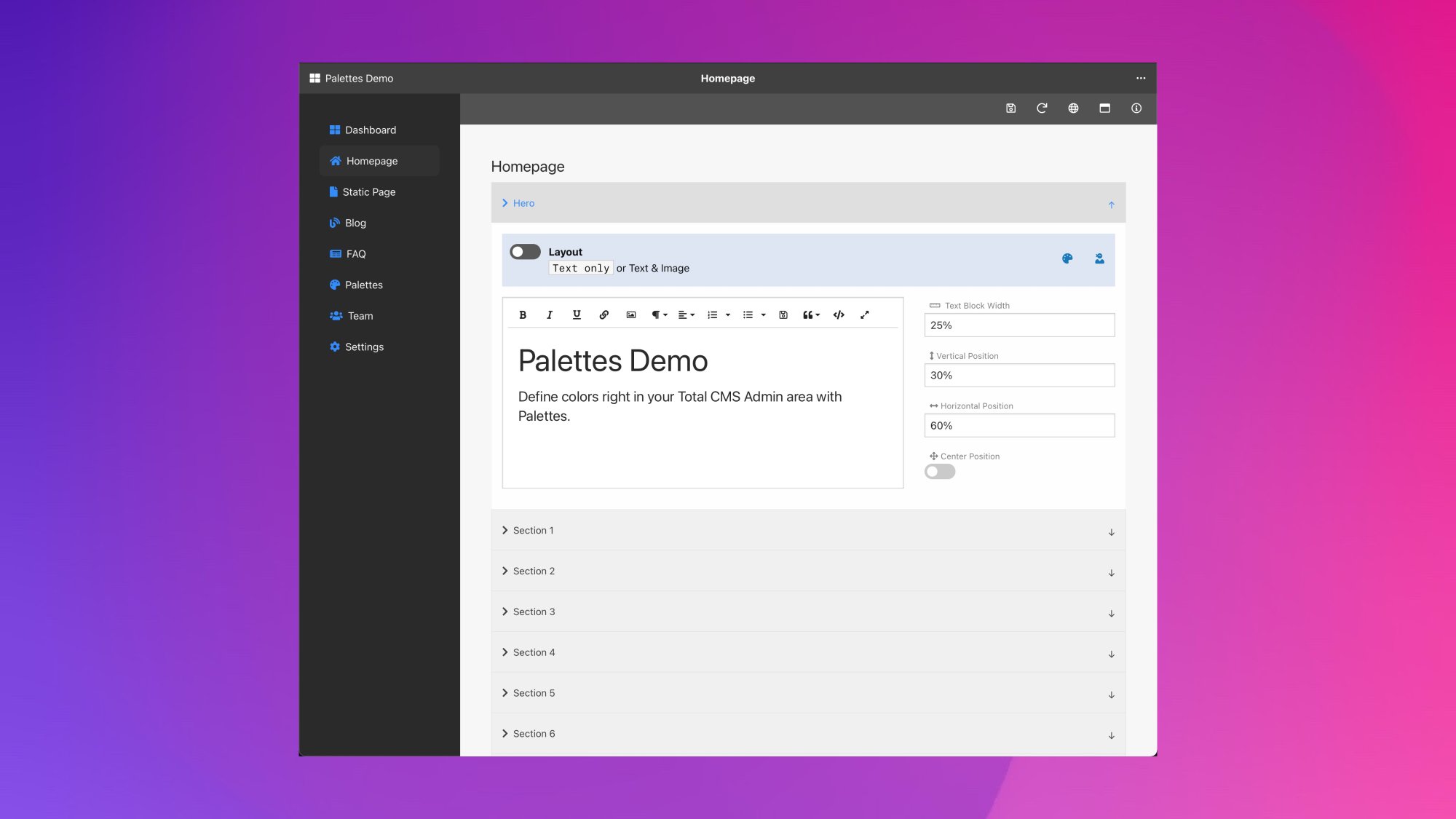
As Seen on Weaver’s Space Summit
The basis of Palettes was demonstrated during the 2021 Weaver’s Space Summit and has since been developed further to a stand-alone project with lots of enhancements.
Privacy Policy
We will not share your information with any other business, organization, or person unless compelled to by the law.
Terms and Conditions
All Sales Are Final.
Since our products are software and delivered via digital download, all products are non-returnable. It is the buyer's responsibility to determine if a product is suitable for their purpose, before making a purchase.
Try the demo and read the product detail articles before making a purchase.
Contact us with any pre-sale questions before making a purchase.